
Diageo · Design system case study
Honeycomb
My contribution to a white-label design system for Diageo's brands.
- Role
- UI/UX Designer
- Agency
- DEPT, for Diageo
The ambition
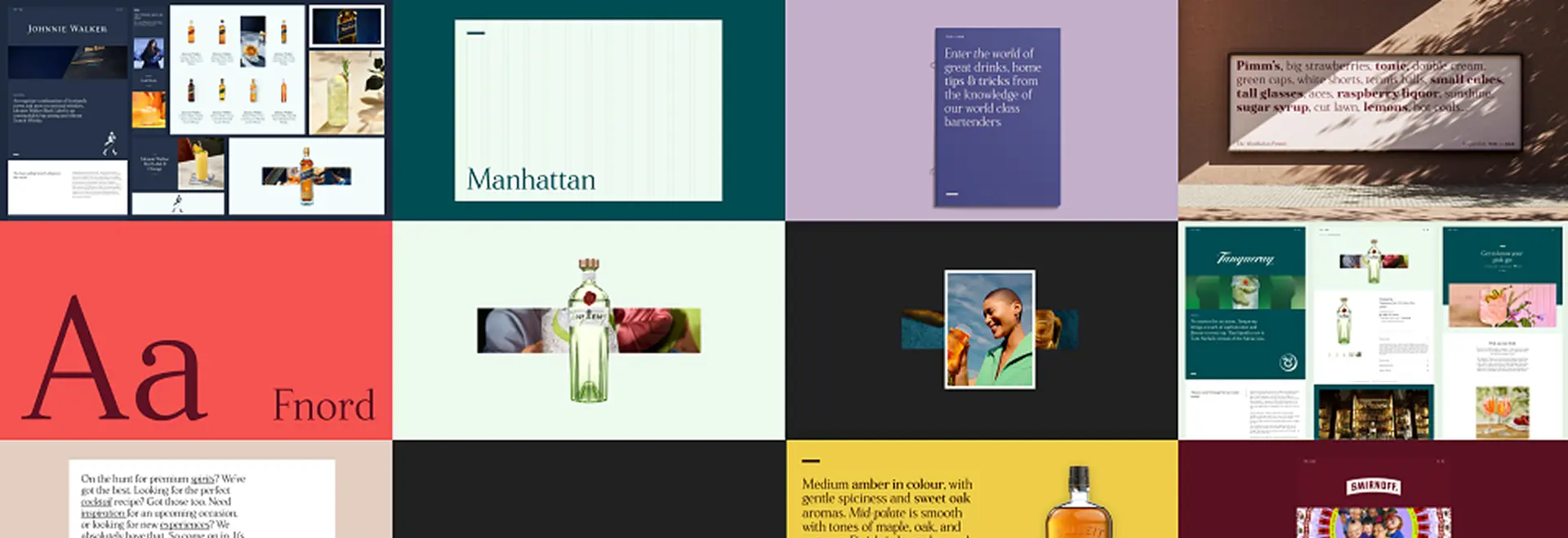
One starting point. Brands that share almost nothing.
Diageo's brands were siloed. Honeycomb aimed to be one white-label starting point any brand could make its own. It began as The Bar's system.
How the work was set up
- A scaled-agile programme: five or six teams from different companies
- Product owners sat on Diageo's side; DEPT was one agency team
- I joined DEPT's team midway, on the UI side; my squad's area was Honeycomb, then Malts
Where it started
From The Bar to a neutral foundation
Honeycomb began as The Bar's design system, created by the agency Critical Mass. It was, in effect, the system — a white label for Diageo's brands.
01
Built around The Bar
Honeycomb began as The Bar's white label.
02
The Bar split off
Halfway through, The Bar decoupled to hit its Christmas deadline and built its own design system.
03
A neutral foundation
We removed The Bar's colours, typography and imagery, leaving a base any brand could make its own.


Who had to use it
Designers and developers were the users.
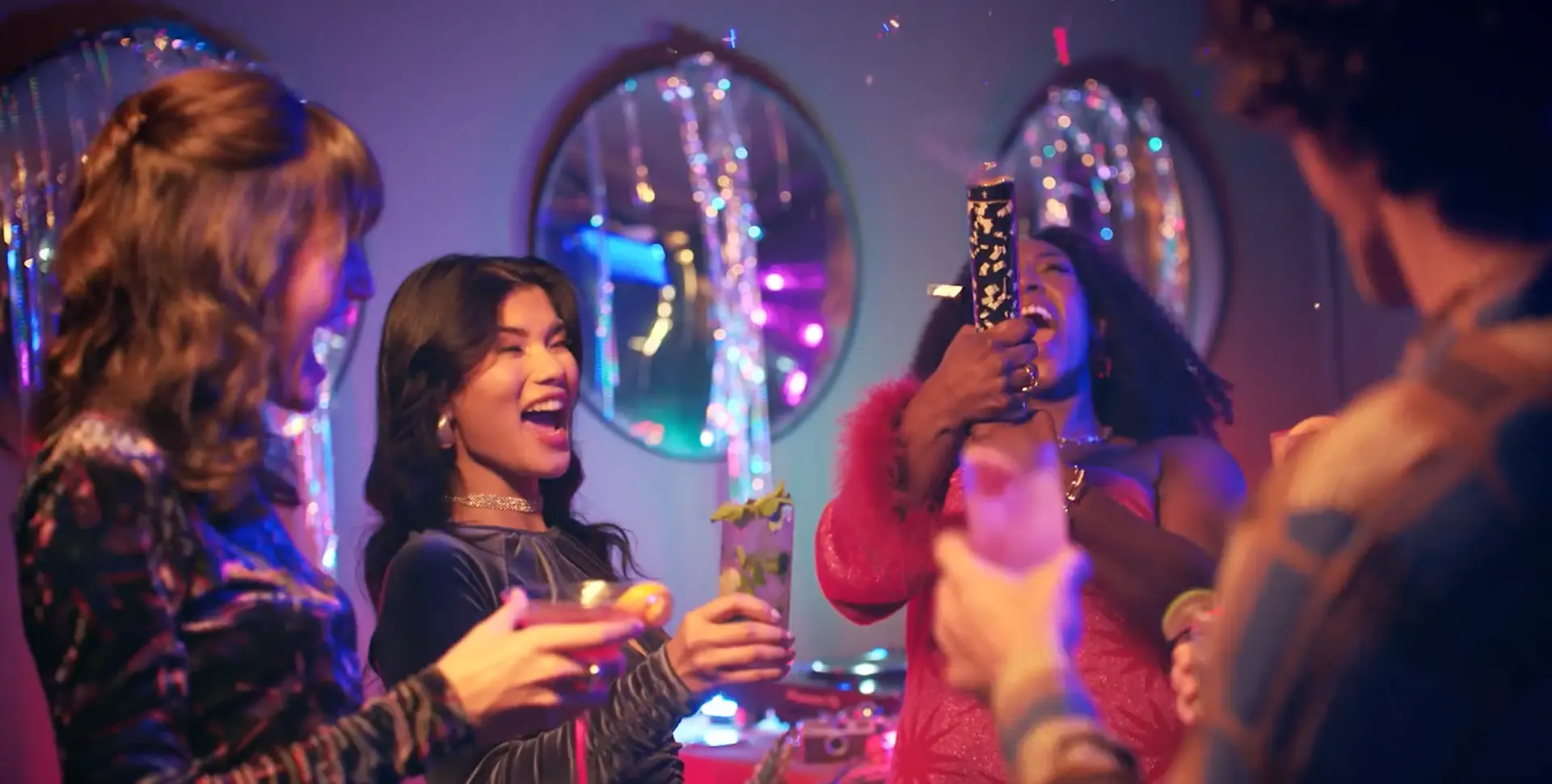
Customers mattered, but they experienced Honeycomb through Diageo's brand sites. I had to help Diageo shift its focus: away from designing the system around the end customer, and towards the vendors responsible for using it. I pushed for the library to reflect their needs.
Working with stakeholders to land that shift was a big part of my role.
Where the attention was
Customers of the brand sites
Who Honeycomb actually served
Designers and developers

What I designed
Built in layers
The team's 371-component library, from foundations up.




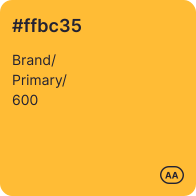
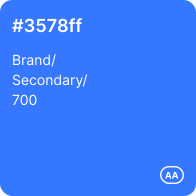
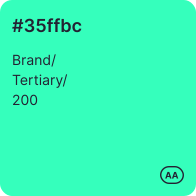
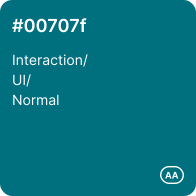
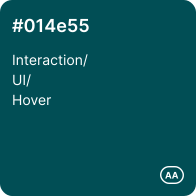
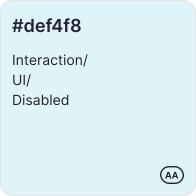
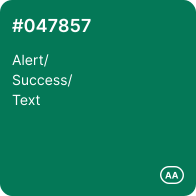
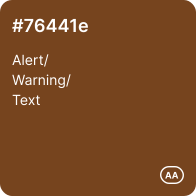
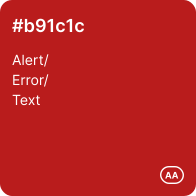
Colour named by role, not just by value.
What we revisited
One component, any size
I revisited the library. Breakpoints moved out of component names and into variant properties.
Before · earlier library
- Image/Large/Desktop
- Carousels/Promo/Desktop
- Textbox/Desktop
- Generic/Divider/Desktop
After · revisited library
Carousel Default Cards
Breakpoint=Desktop | Mobile
One set per component. Pick it, then set the size in its properties.
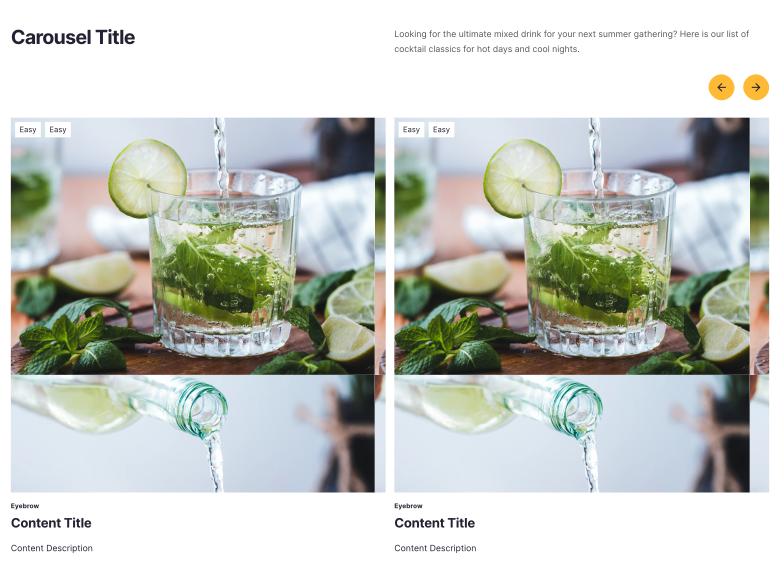
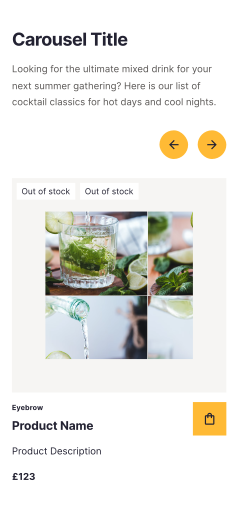
Honeycomb applied to Malts
A real product page, at four sizes
Malts became my squad's area after Honeycomb. I designed the Malts product page across four responsive breakpoints — 375, 744, 1440 and 1920px.
From the shared library
Menu bar · footer · breadcrumb · primary buttons · price · badges · product cards · icons · review elements
Built new for Malts
Image and thumbnail carousel · PDP sidebar · right-hand accordion · product highlights · award component · ratings
Ratings and reviews on Malts
Getting reviews live on Malts
What started as UI work grew into being the person responsible for getting Yotpo reviews onto Malts.
Point person with Yotpo
Led the conversations with Yotpo's sales and integration contacts
Close to the integration
Worked through how Yotpo would plug into Malts; by the end I understood the platform in real technical depth
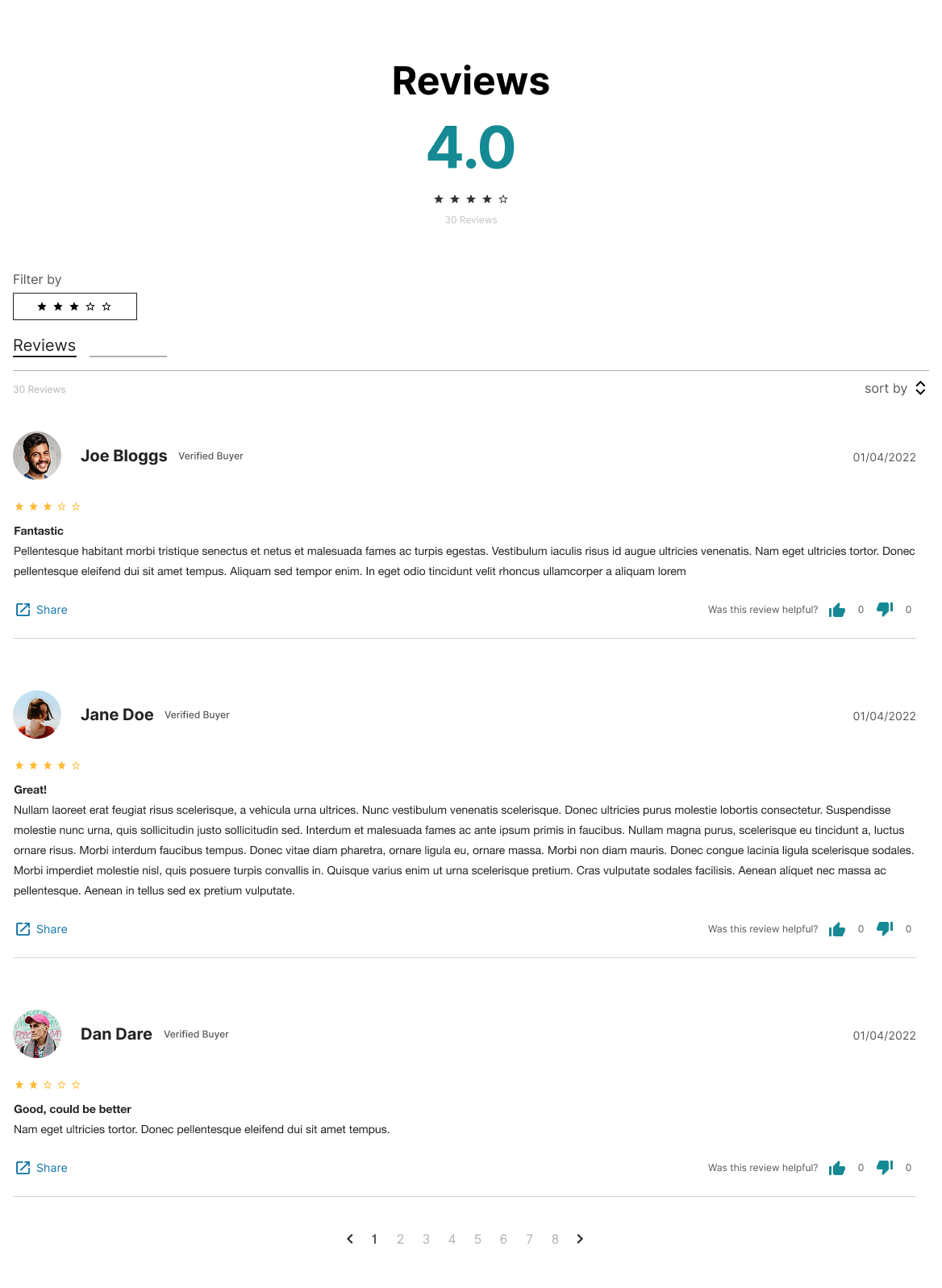
Designed the review UI
Ratings, filtering, sorting and review items, at every breakpoint


Third-party ratings and reviews, integrated into the Malts product page.
Delivery
What we produced
Honeycomb library
A white-label component library, from foundations to page-level organisms
Brand experiments
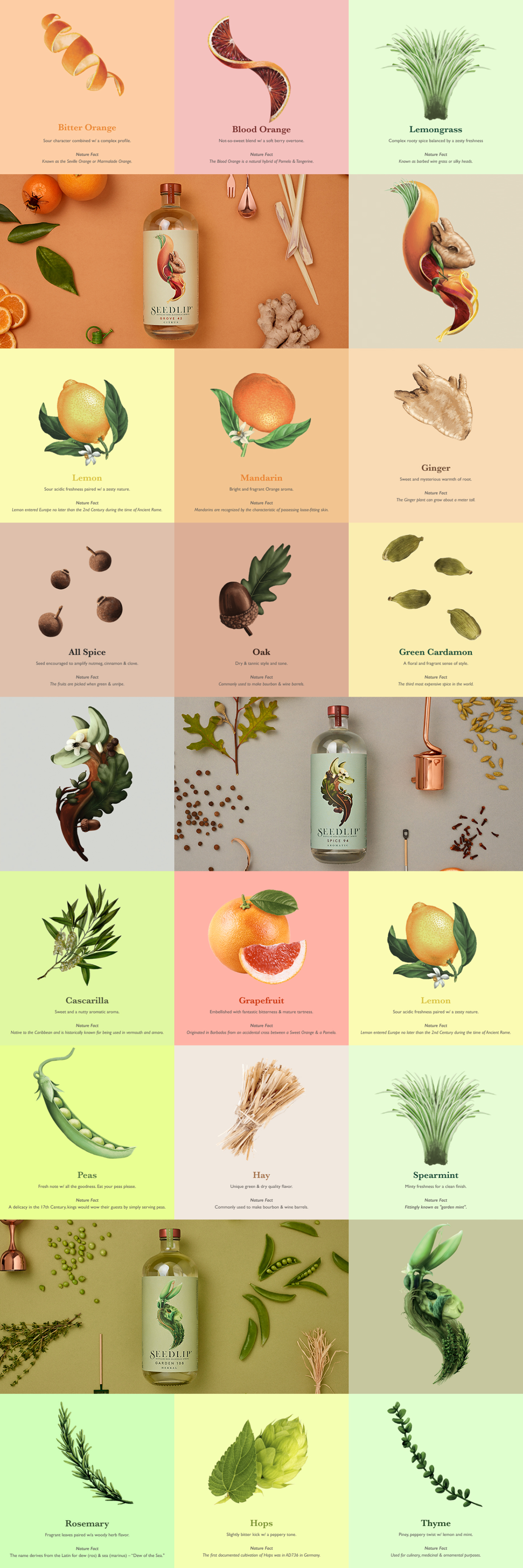
Seedlip and Captain Morgan builds showing the framework could take on a brand
The Bar
Made its Christmas launch window
Malts
A product page at four sizes, with the review experience
Reflection
What I learned
Build white-label from day one
A system shaped around one brand has to be unpicked later, as The Bar showed.
Agree structure before scale
Mixed conventions in the earlier library, such as “Breakpoint” and “Device” for the same idea, made it harder to use.
Design for the people using the system
Designers and developers are its users. Their needs decide whether it gets used.
Thank you.
← Back to all work